
Resource Library
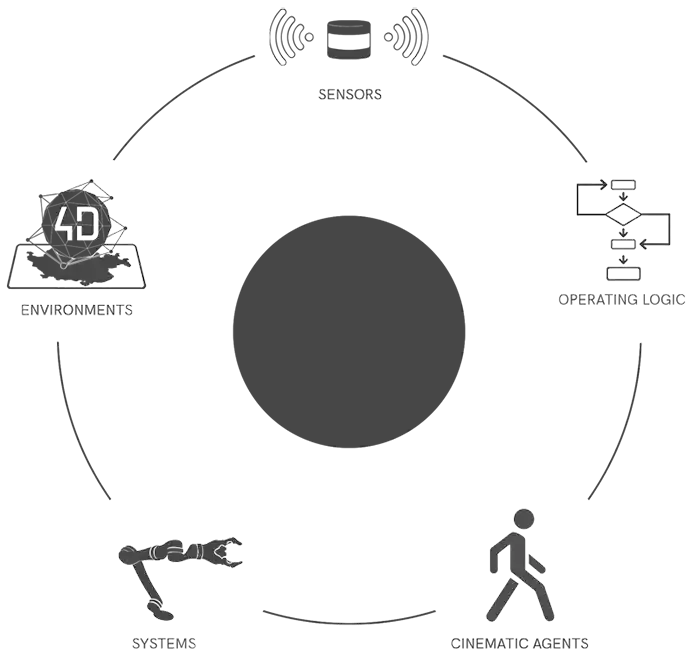
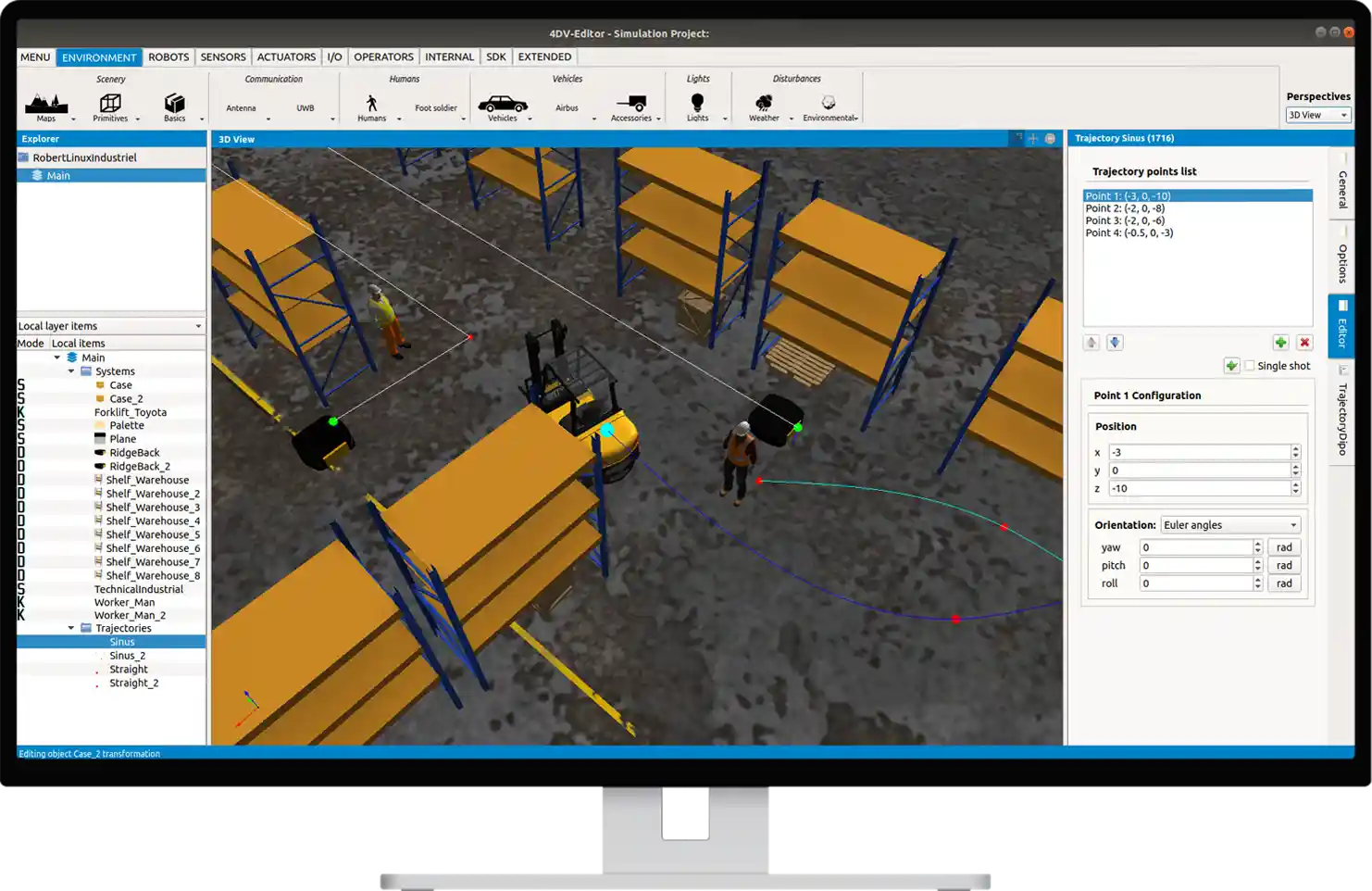
4DV-EDITOR includes several resource libraries to help you build your simulation scenarios.
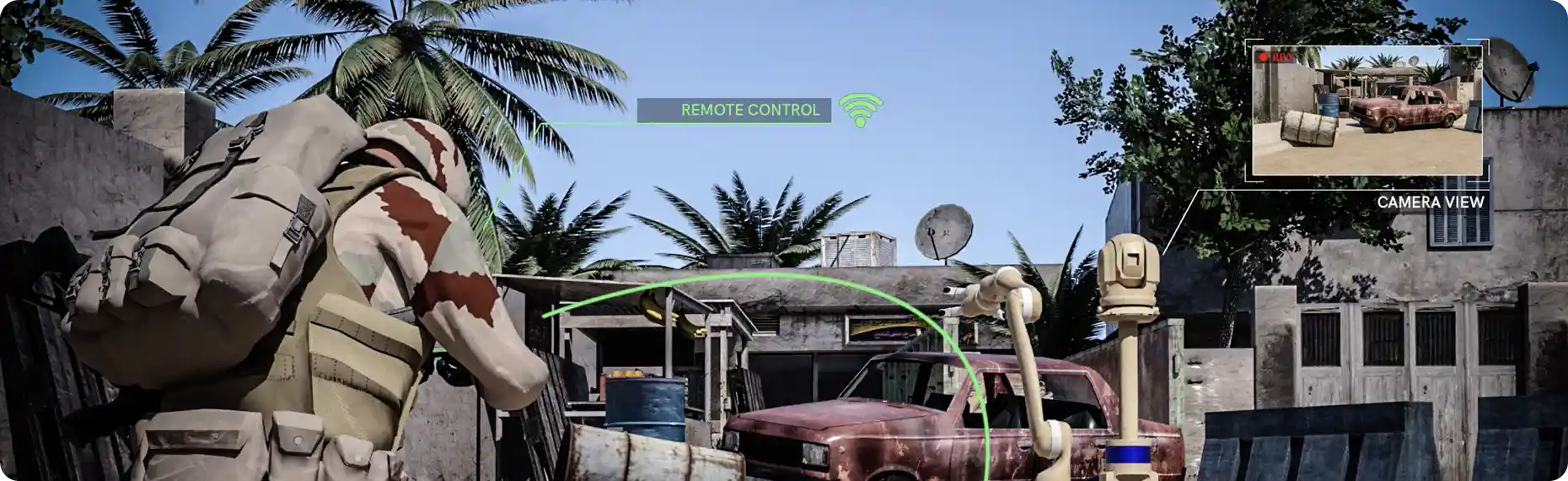
It allows you to select and configure the sensors that will be associated with your systems, enabling you to create true digital twins.
These libraries also contain cinematic agents and static objects that allow you to set up your 3D virtual environments to replicate custom application scenarios.
In addition, 4DV-EDITOR is designed and developed to facilitate co-simulation with specialized software such as MATLAB/Simulink, OpenCV, and others. All you need to do is define the data to be exchanged and the interfacing method.
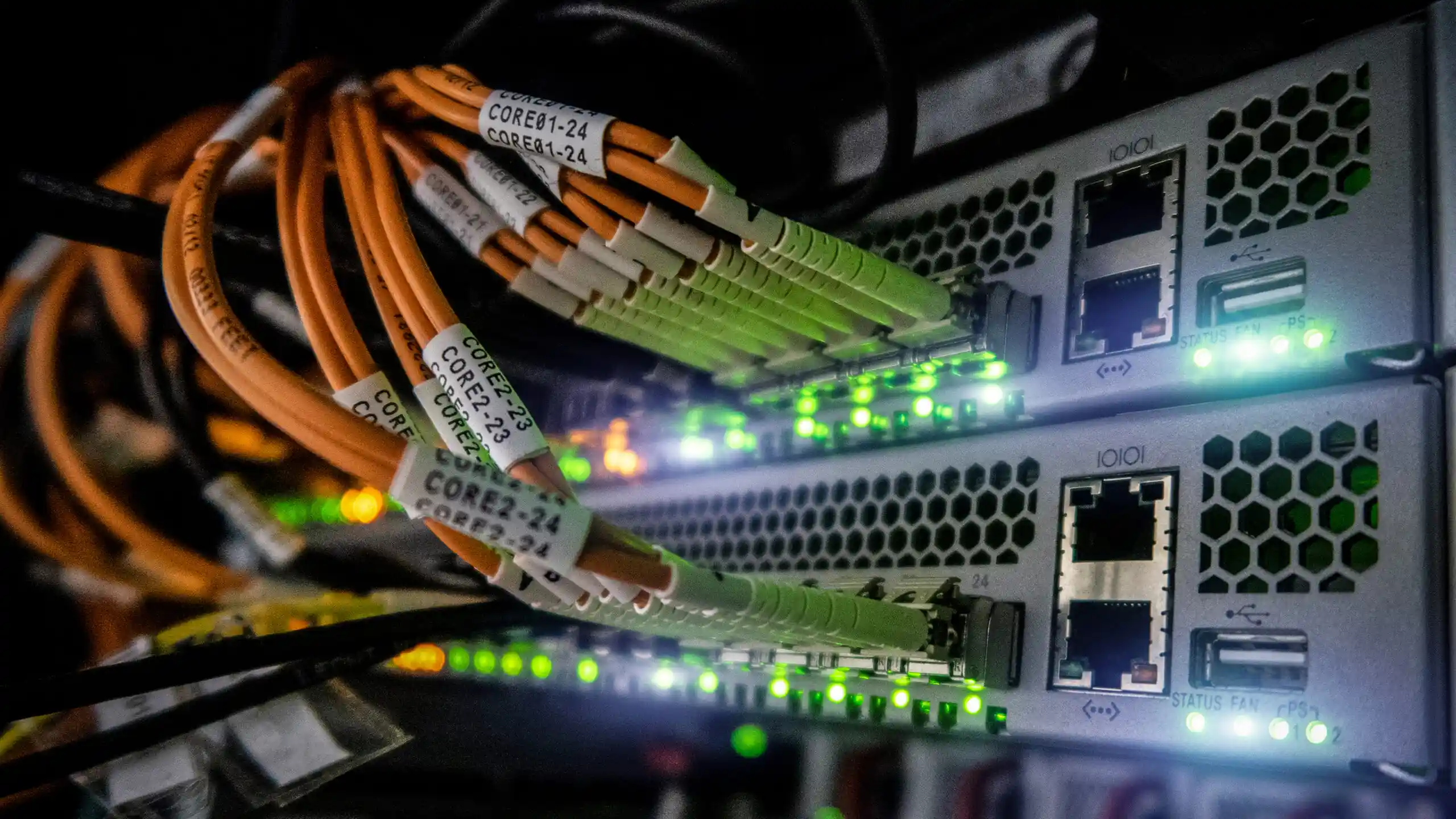
Connect / Configure your hardware

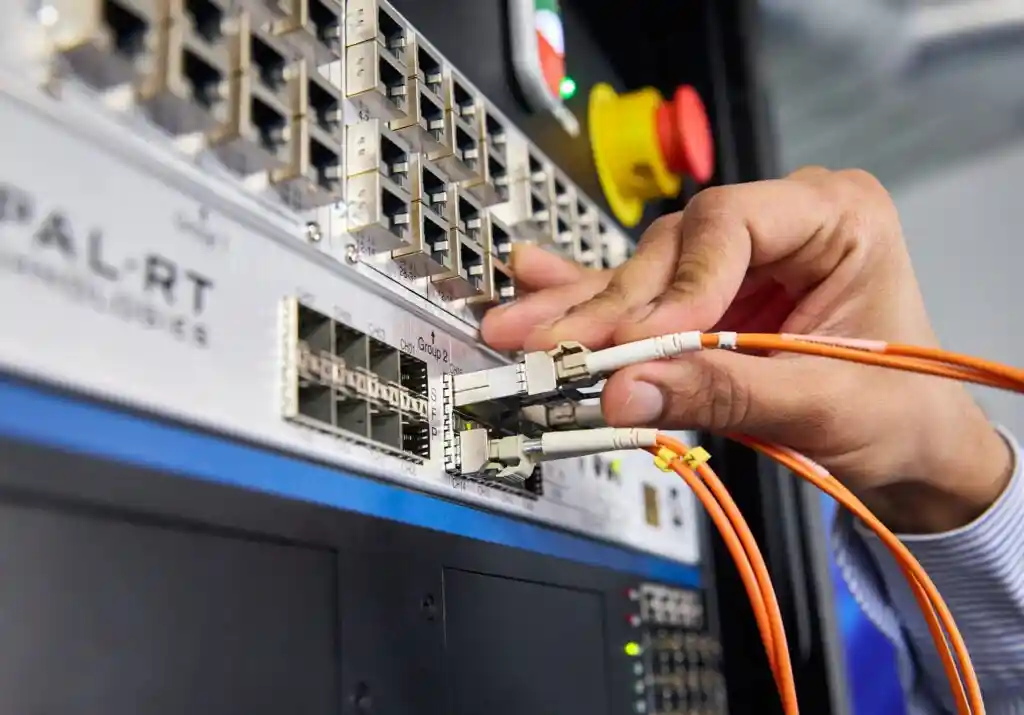
4DV-EDITOR allows you to configure and use all types of hardware media (Ethernet TCP/IP and UDP/IP, Serial, CAN Bus, HD-SDI, etc.).
With this feature, your embedded hardware is directly connected.
System and sensor applications are easily emulated. The transition from virtual to real-world conditions is instantaneous. You can then immediately apply the results of your simulations and leverage all your test data to accelerate your development process.
Logical and 3D views of the simulations
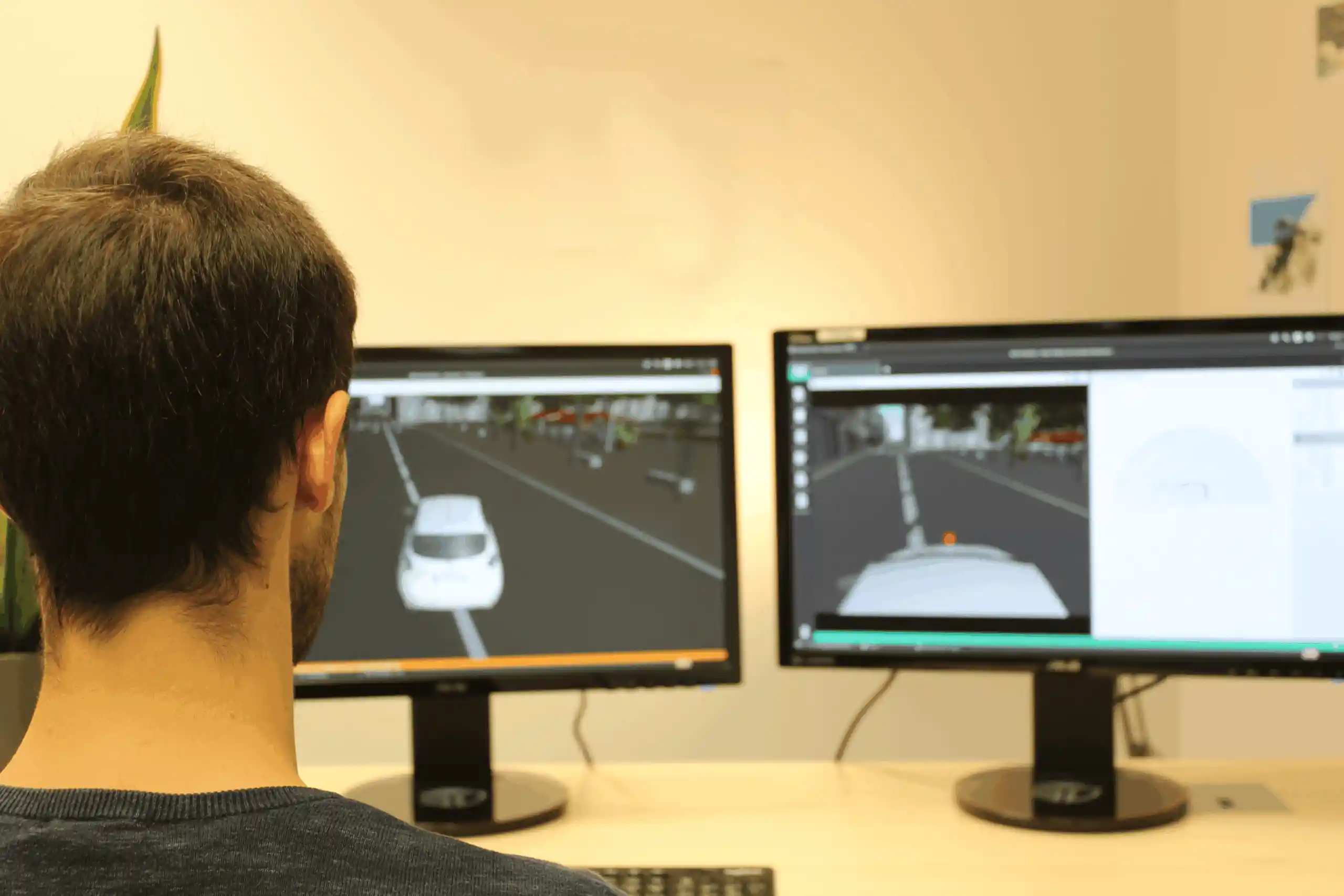
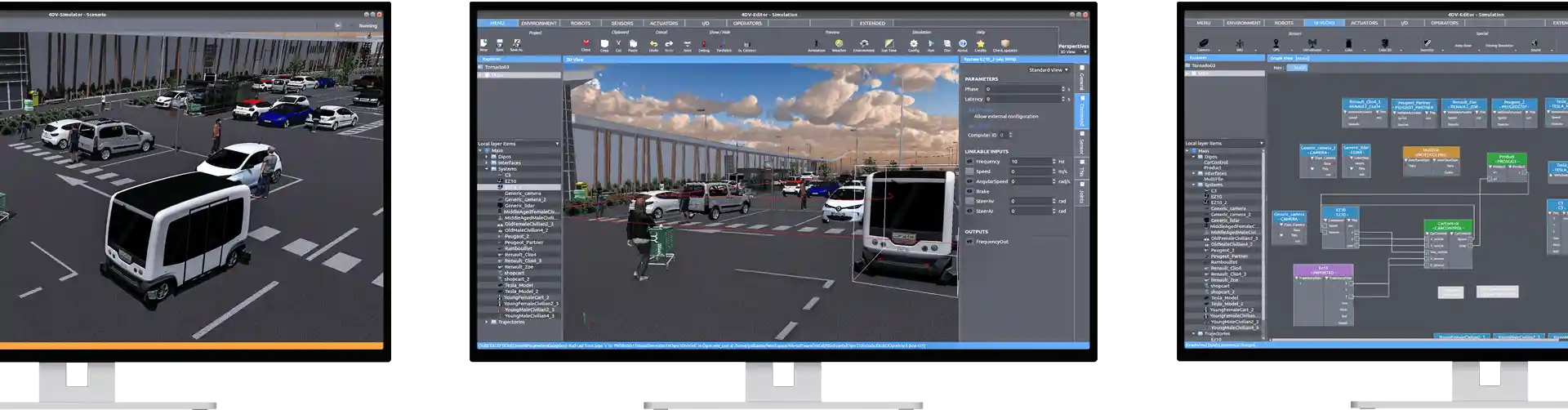
Scenarios are created in 4DV-EDITOR using an interface designed and developed to make the tool easy to use.
It is designed around the use of a 3D view and block-based programming within a logical view. This means you simply need to manipulate and connect the objects and functions that make up your scenario.
As a result, you will be able to focus your attention on the advanced configuration of sensors or systems related to the development of your
applications.
4DV Modules – EDITOR
4DV-EDITOR includes modules that give users access to advanced templates and features:
MobilityStandard Module

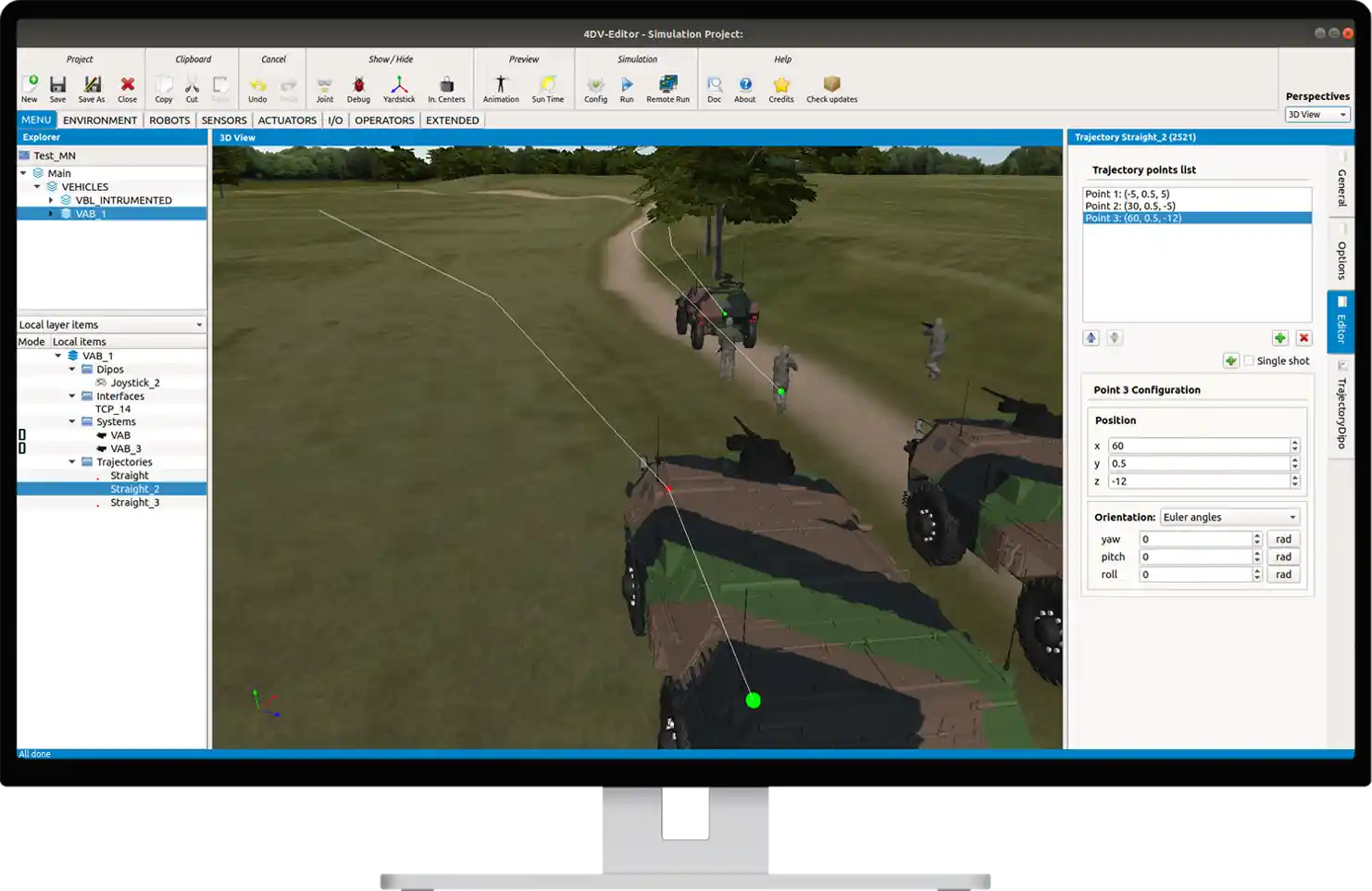
The behavior of these agents is defined by assigning specific rules to each section of the path (compliance with traffic rules, etc.), which allows you to quickly set up the activity in your simulations.
GIS Module
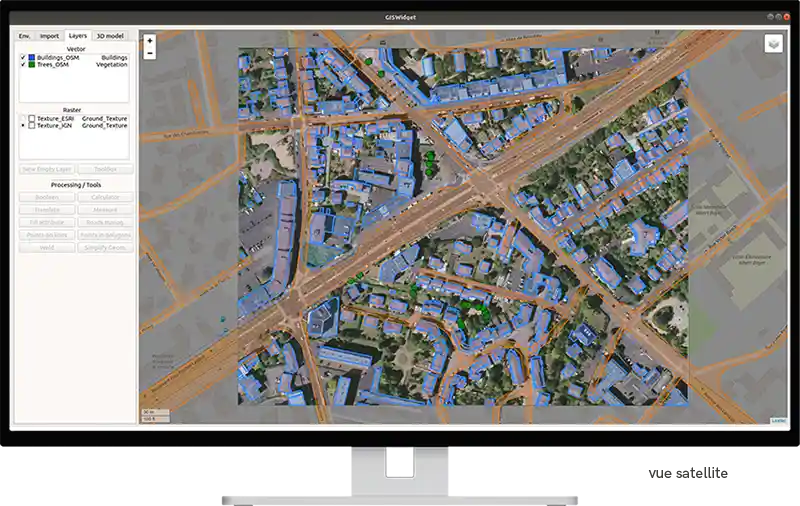
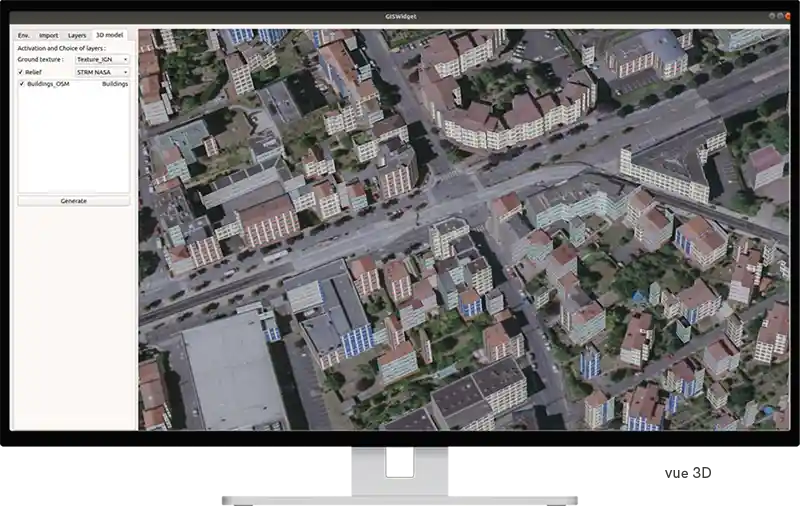
This module allows you to quickly create environments that incorporate real-world data, such as 3D models of existing buildings. It also allows you to incorporate trees.
Users can modify the environment by adding buildings or changing their geometry. This data can then be used as input for scenarios.