
View all your data at once
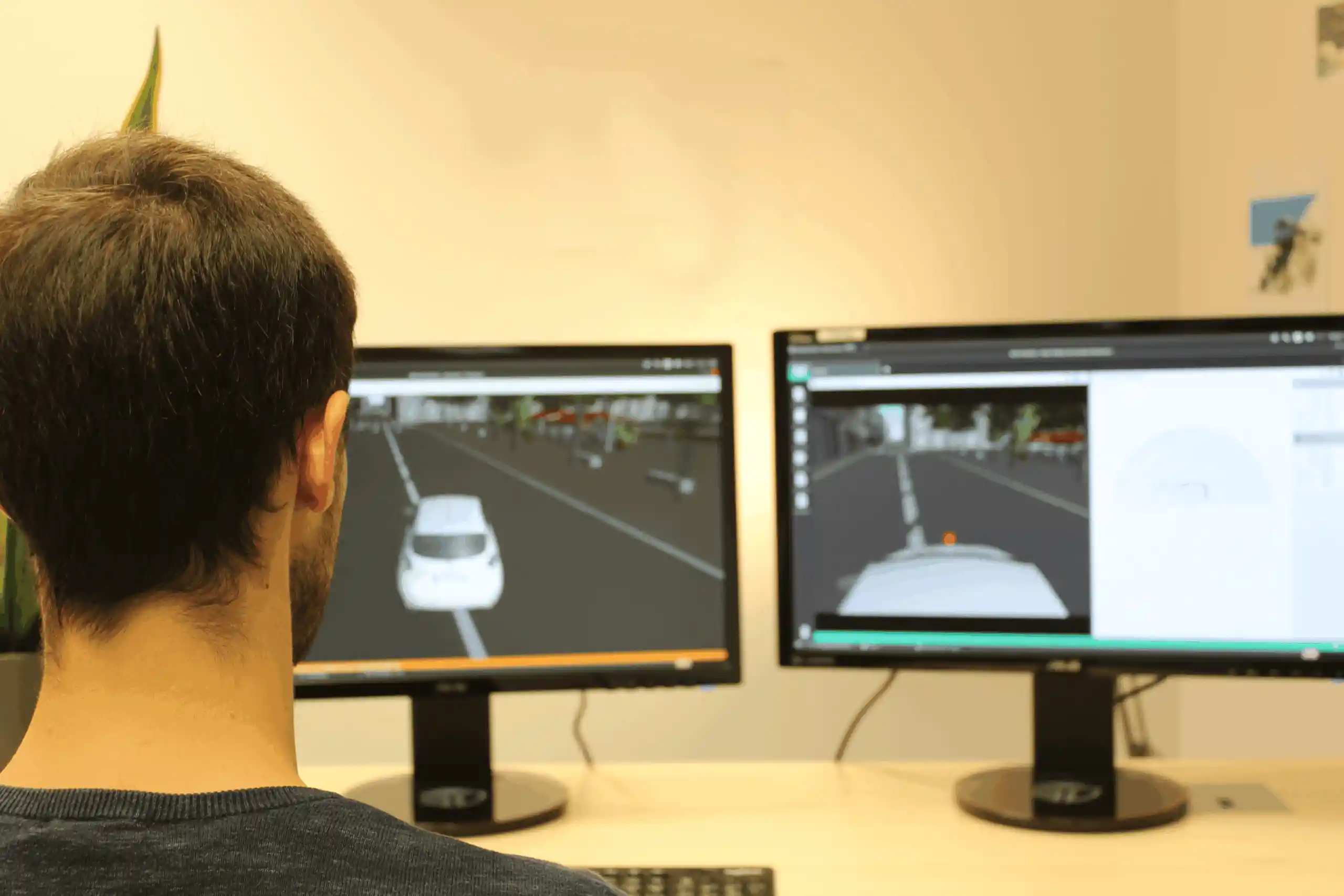
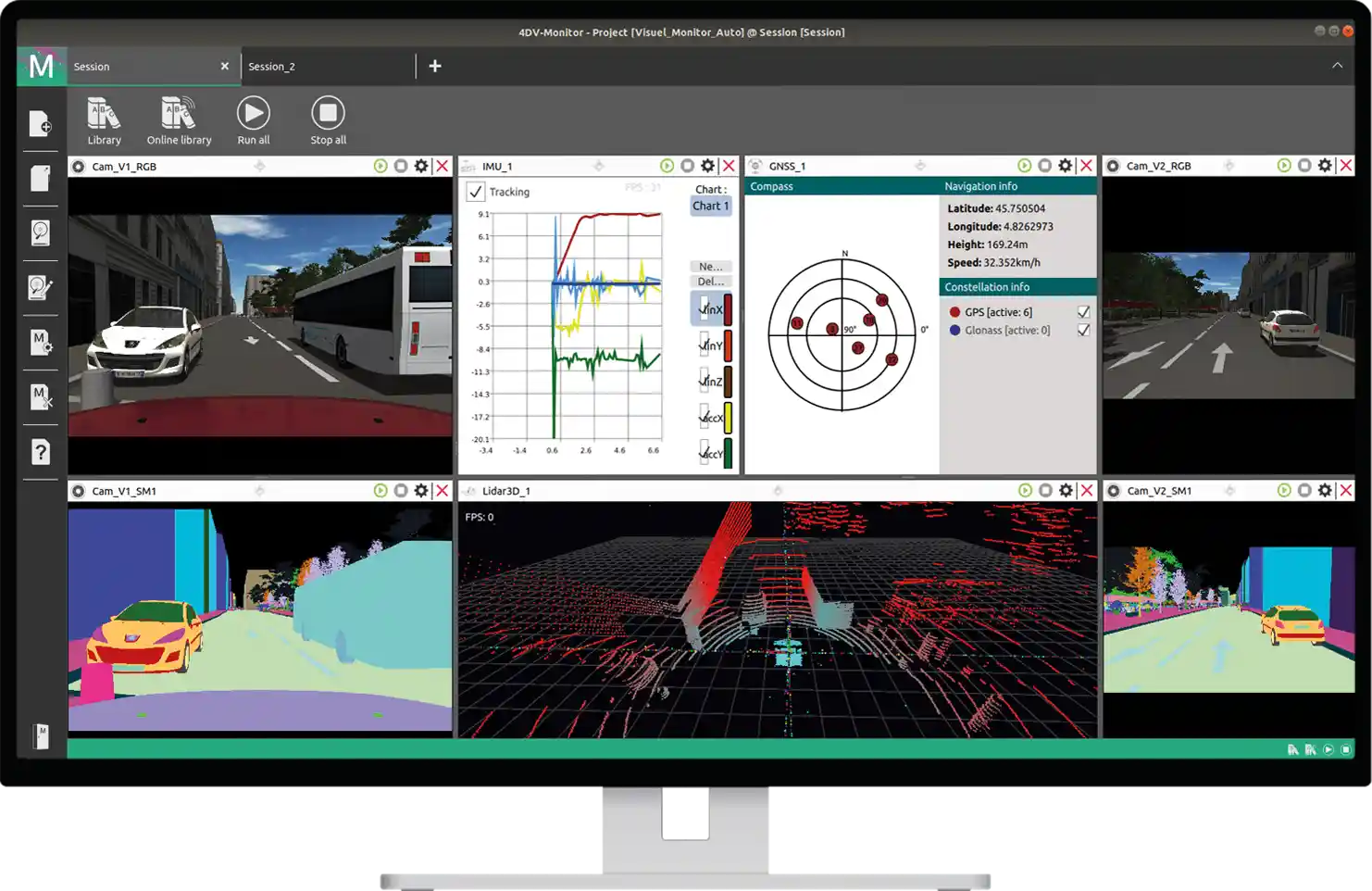
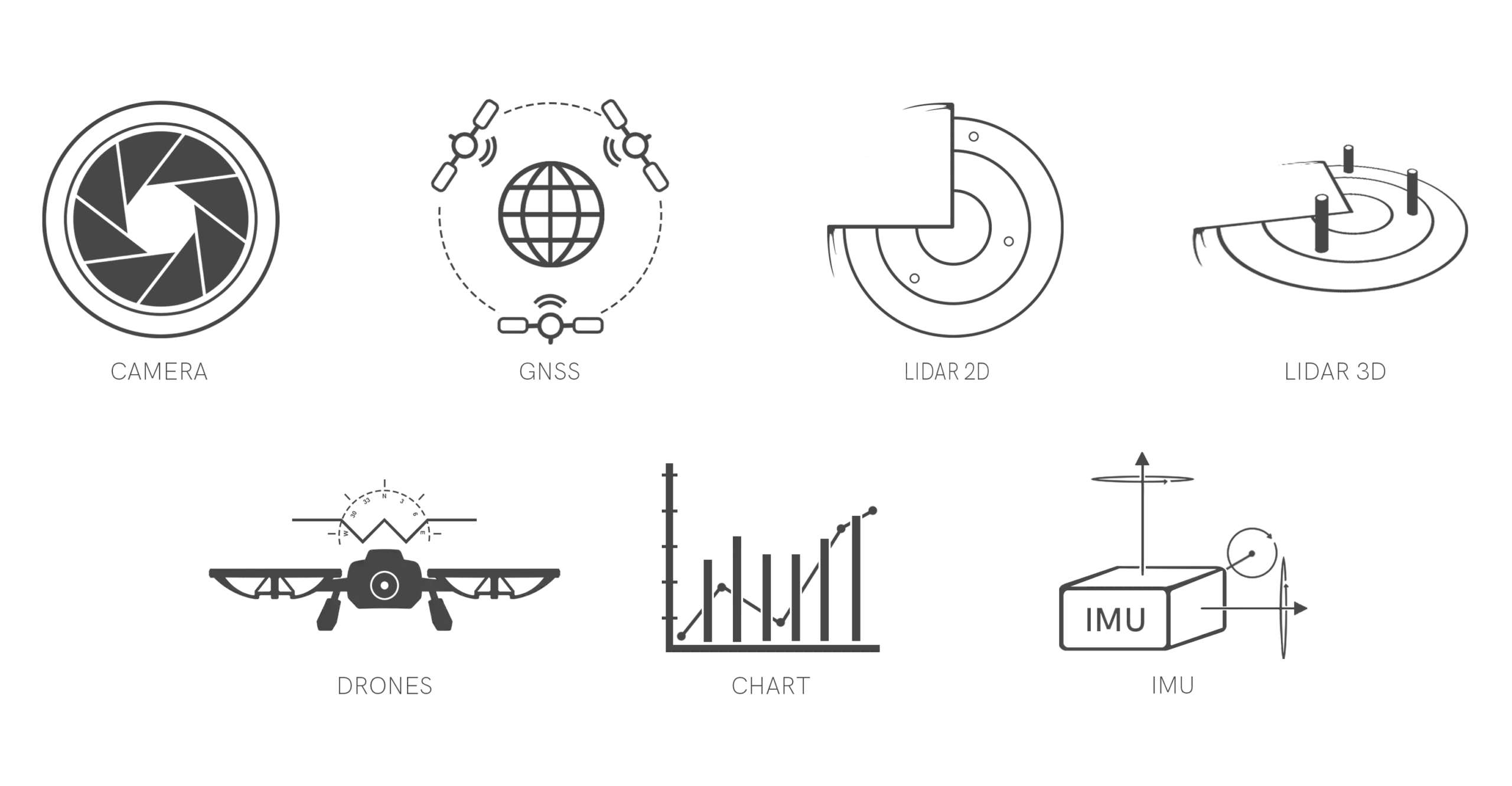
4DV-MONITOR offers a library of viewers designed for various sensors (GNSS, cameras, IMUs, LiDAR, etc.), enabling users to quickly review the data generated by 4DV-SIMULATOR via video streams and physical measurements.
This makes it easy to view the simulated sensor data.
4DV-MONITOR allows you to quickly monitor and analyze data.
Access internal simulation data
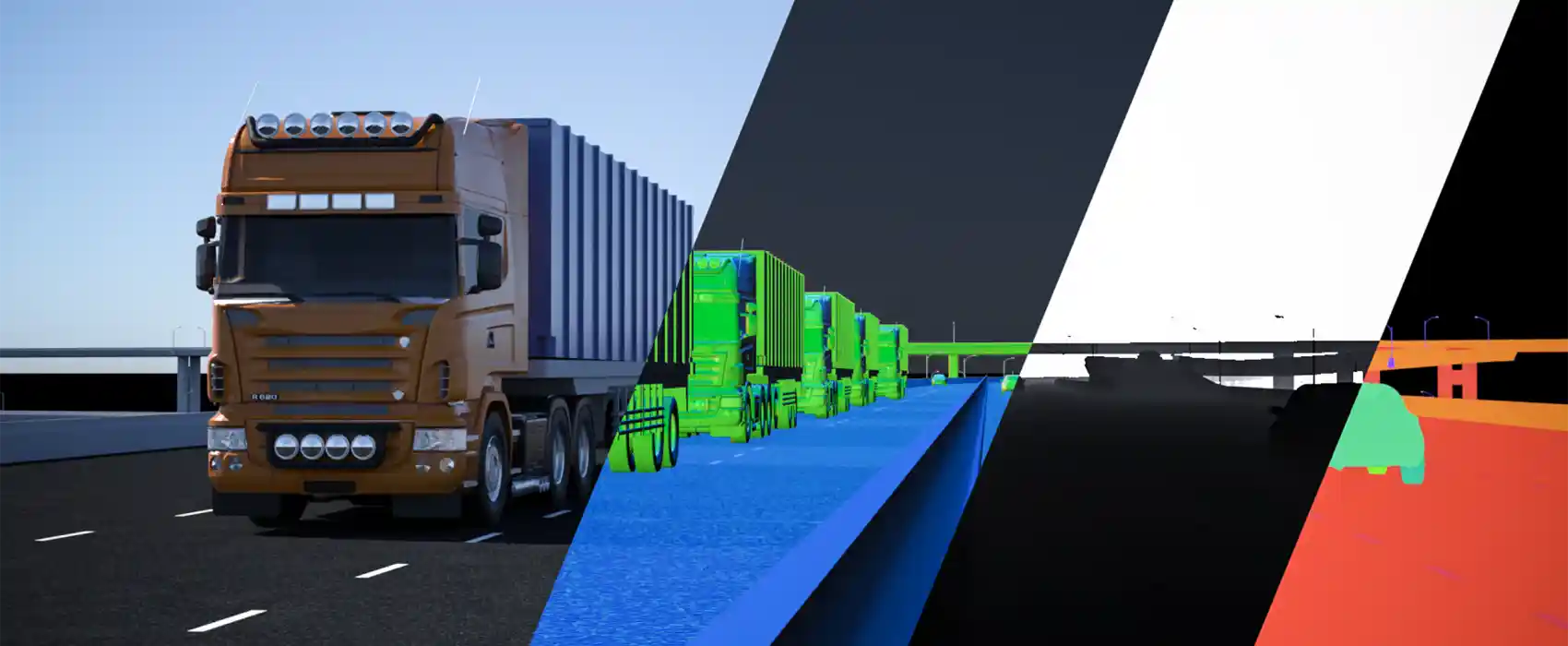
4DV-MONITOR provides access to numerous simulation variables, such as system positions, visual information (depth and normal fields), semantic fields, and more.
This makes it possible to create your own ground truth sensors using 4DV-EDITOR.
4DV-MONITOR allows you to accurately and precisely track changes in the configuration of your systems and sensors through various viewers (semantic image, depth and/or normal image, graphical visualization, etc.).
Monitor the progress of your simulations in real time
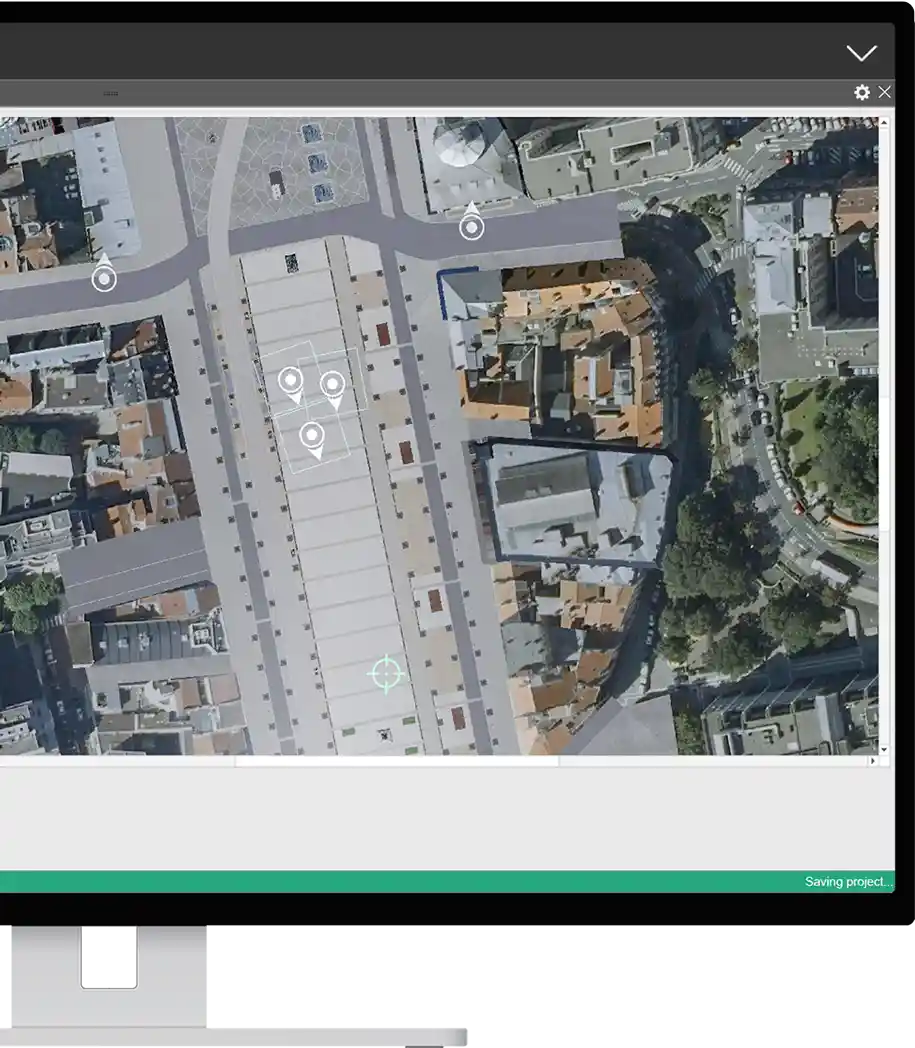
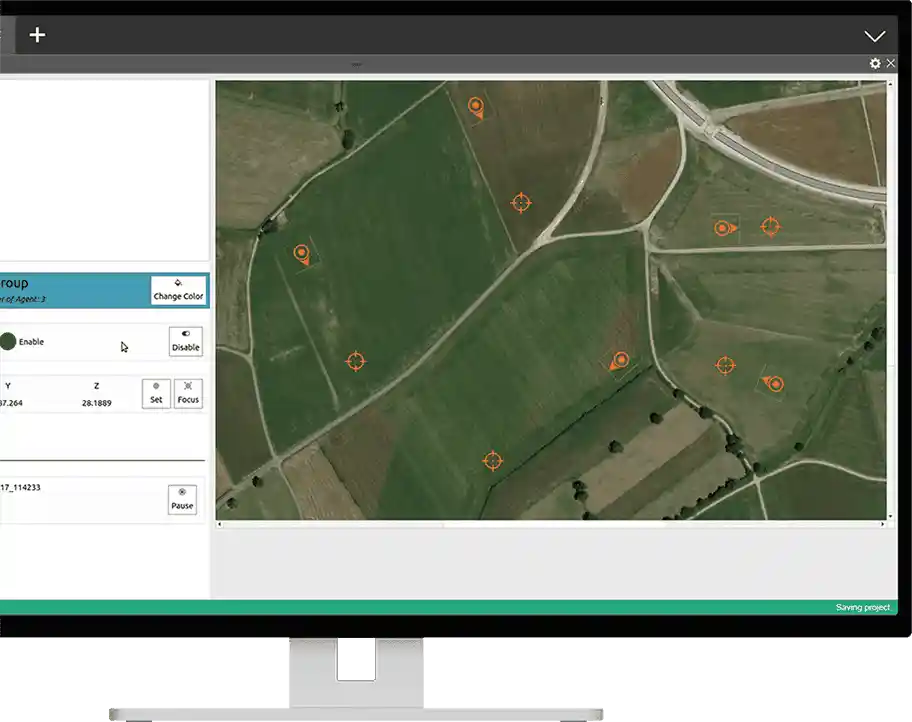
The 4DV-MONITOR VIEWER MAP allows you to explore the 3D simulation environment as an external observer and quickly scan the entire scene from a top-down view.
To access the information generated during the simulation, you can also select each system in the scene to view its data in detail (sensor data, state variables, etc.). This allows you to navigate through the simulation and focus on the parameters that matter most from different perspectives.
The MAP VIEWER is a particularly useful feature for simulating large environments or for integrating a sensor architecture deployed on the infrastructure in your environment.
Test your systems directly in a simulation environment
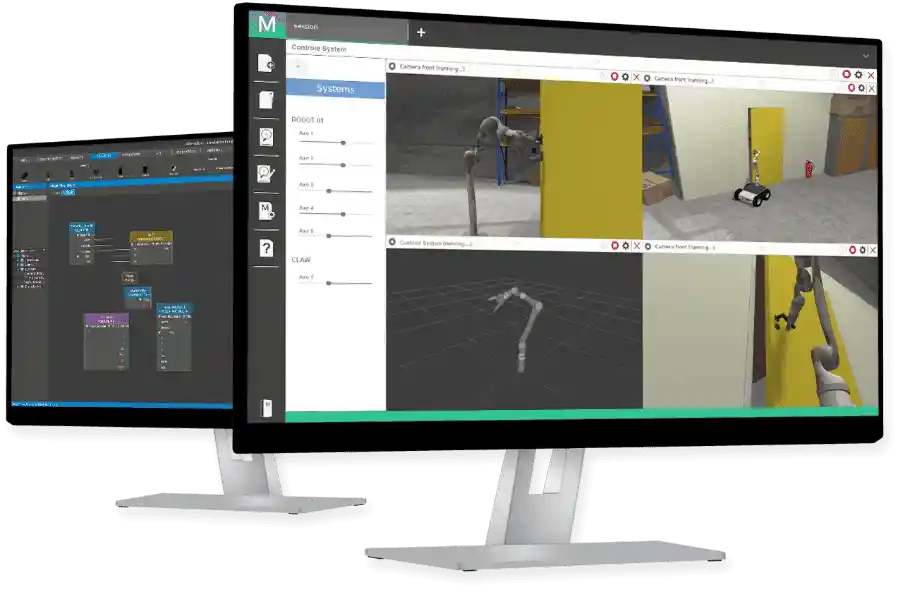
Take control of your system configuration during the simulation.
4DV-MONITOR allows you to configure upstream and downstream links with 4DV-SIMULATOR, which can be used during simulation. These communication links enable you to configure your kinematic systems (by adjusting the positioning of certain mechanical components, such as robotic arms or turrets, for example).
This feature also allows you to interact with your sensors during the simulation to modify their parameters and operating status.
This tool is a valuable asset for enhancing the value of your simulations by allowing you to interact with your instrumented systems just as you would in real life.
Manage agents in real time
Manage agents in real time
In addition to the features of the MobilityStandard module described on the 4DV-EDITOR product page, you will also have access to AdvancedMobility, a module that uses the VIEWER MAP to integrate and control pedestrians and vehicles during simulations.
The user interface makes it easy to add and manage agents, which can be controlled individually or in groups, by assigning them objectives to serve as targets to be achieved.
Dynamic interaction with the environment, all objects, kinematic agents, and scenario systems is taken into account, as is the placement of obstacles in real time.
This allows you to interact with the simulation, populate it with data, and test your robotic systems. AdvancedMobility can be used either through the 4DV–MONITOR user interface or by connecting to its API.