




Connect. Test. Inject
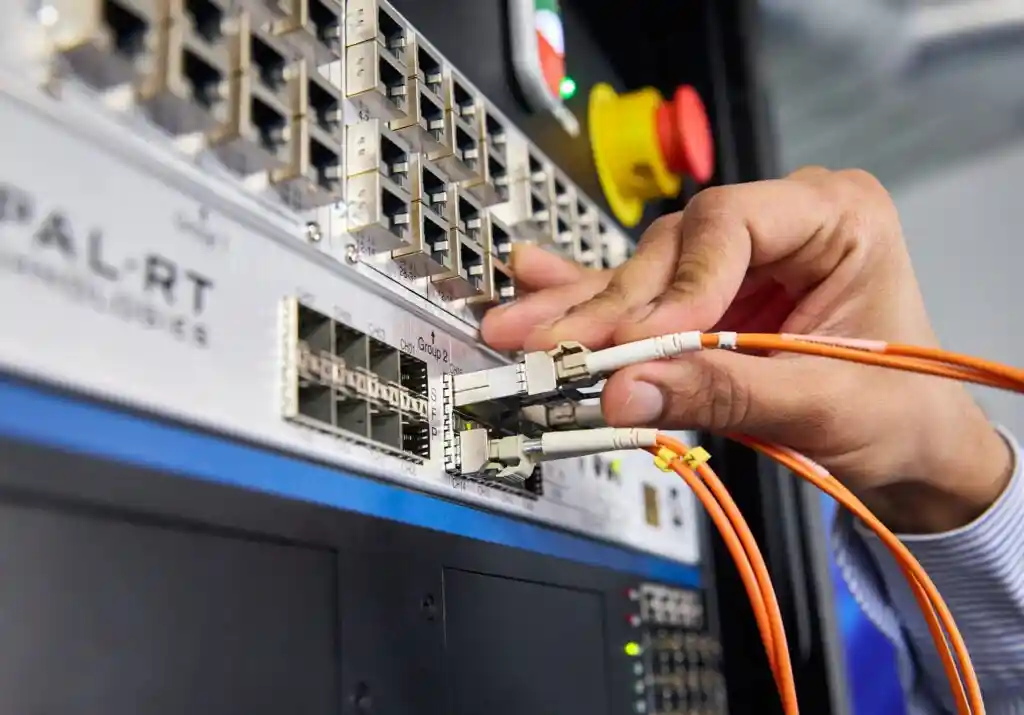
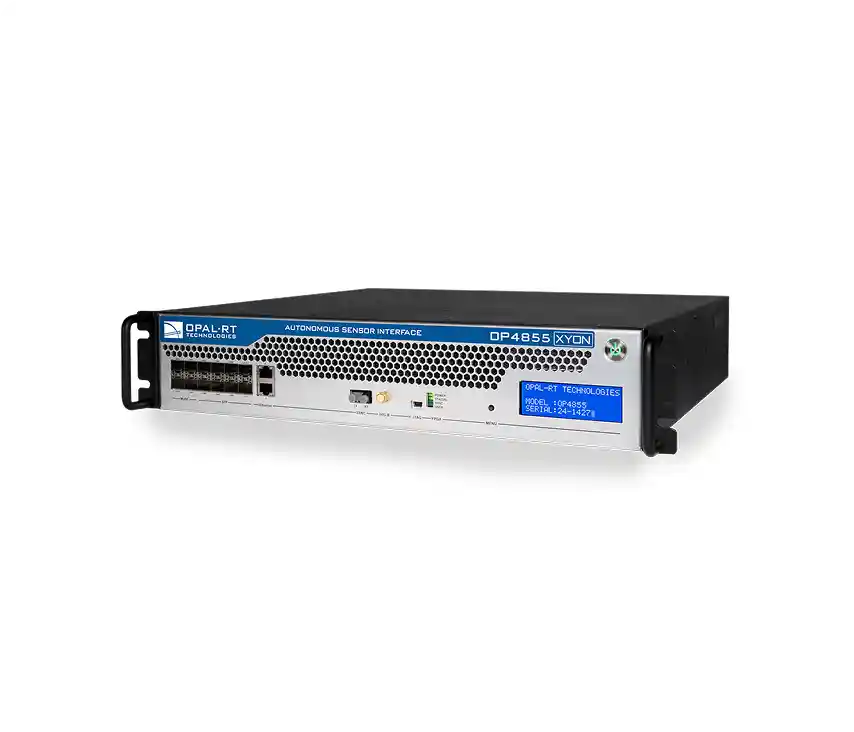
The OP4855 XYON hardware interface is a high-performance direct injection solution for controller testing, designed to meet the demanding needs of embedded systems engineers.
Testing camera controllers using traditional OTA (over-the-air) configurations can be costly, limited, and difficult.
The OP4855 XYON offers a simplified alternative, allowing users to test up to 11 camera channels using simulated or pre-recorded camera data.
Imagine. Simulate. Validate.
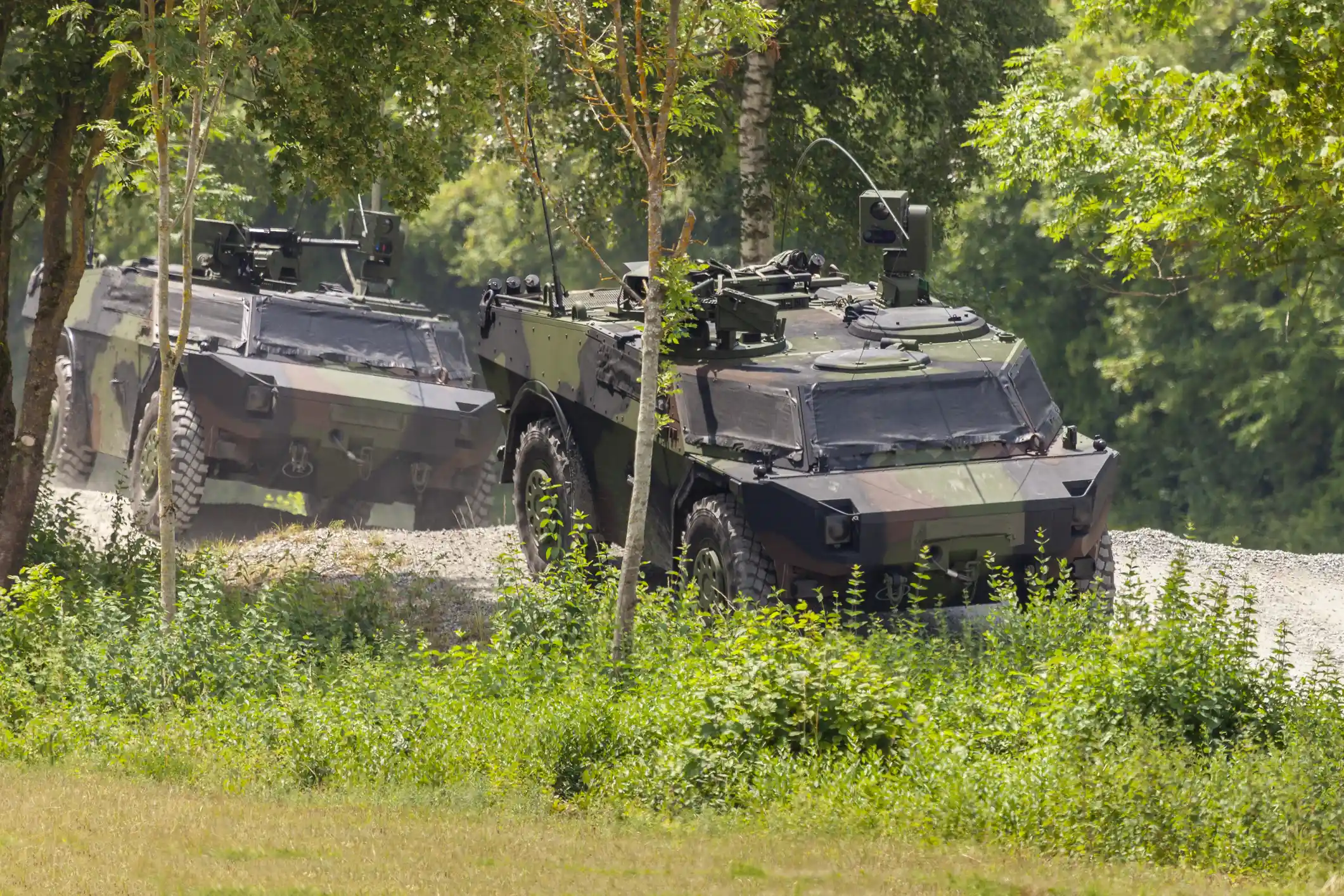
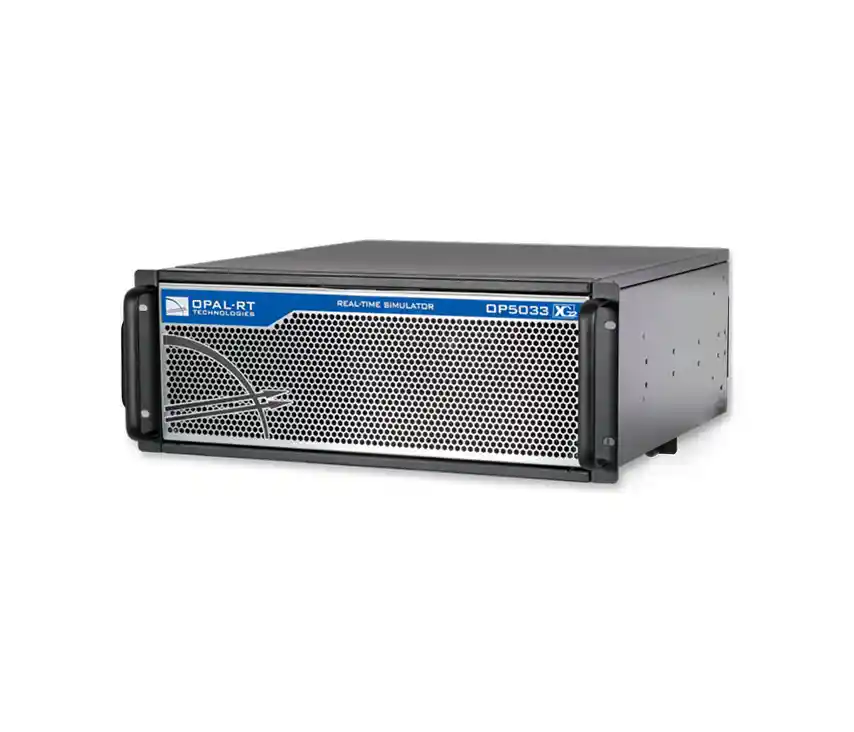
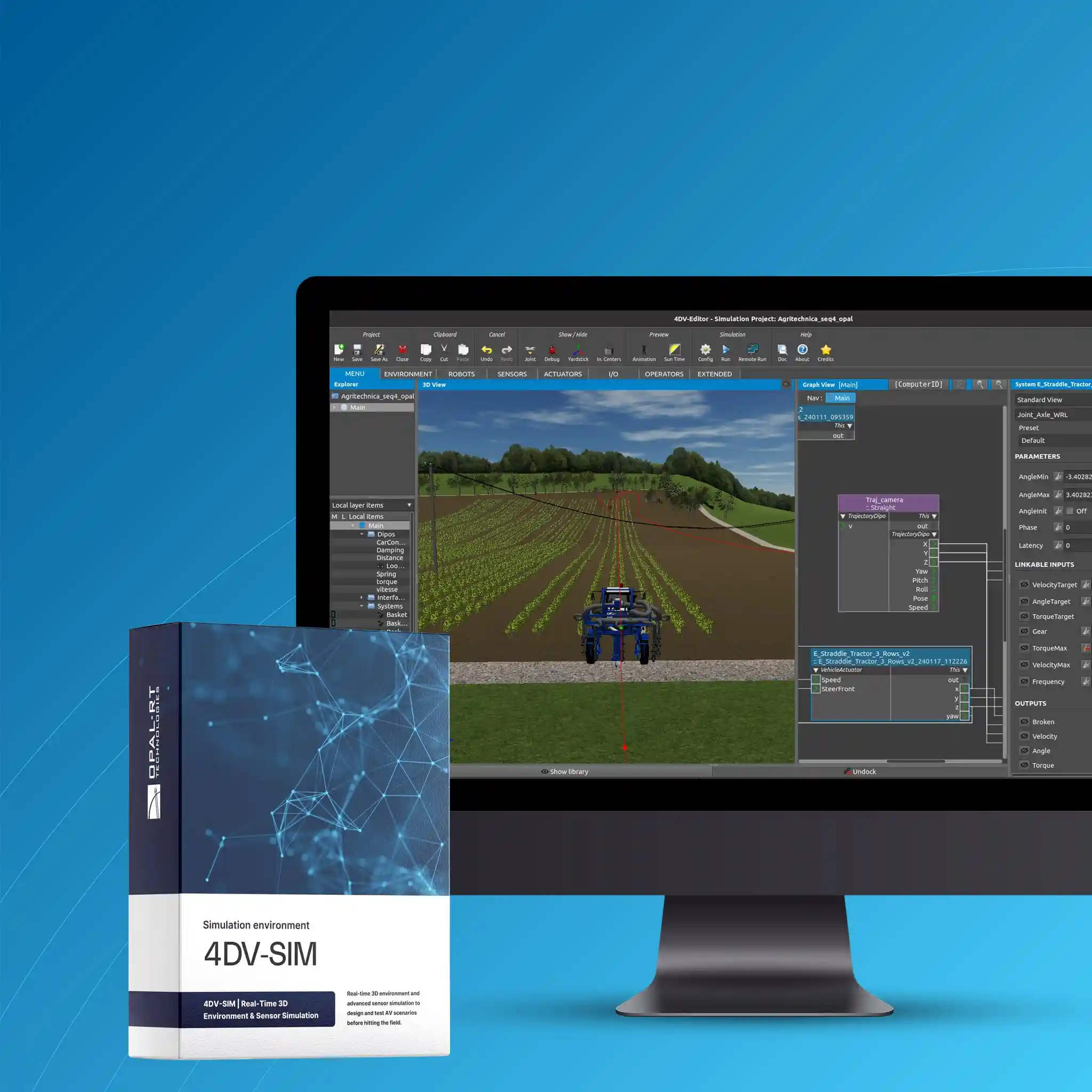
Access a suite of tools specifically developed for real-time 3D and hardware-in-the-loop simulation of intelligent mobile systems. A functional real-time 3D and hardware-in-the-loop simulation environment to support the development of your operational robotic systems, maximize testing, and ensure reliable development to accelerate deployment in real-world conditions.
A COMPREHENSIVE 3D SIMULATION ENVIRONMENT
- Develop your robotic systems, drones, and autonomous vehicles
- Test and refine your perception and control algorithms
- Capitalize on the results of your development efforts

4DV Simulator
Develop. Simulate. Test.
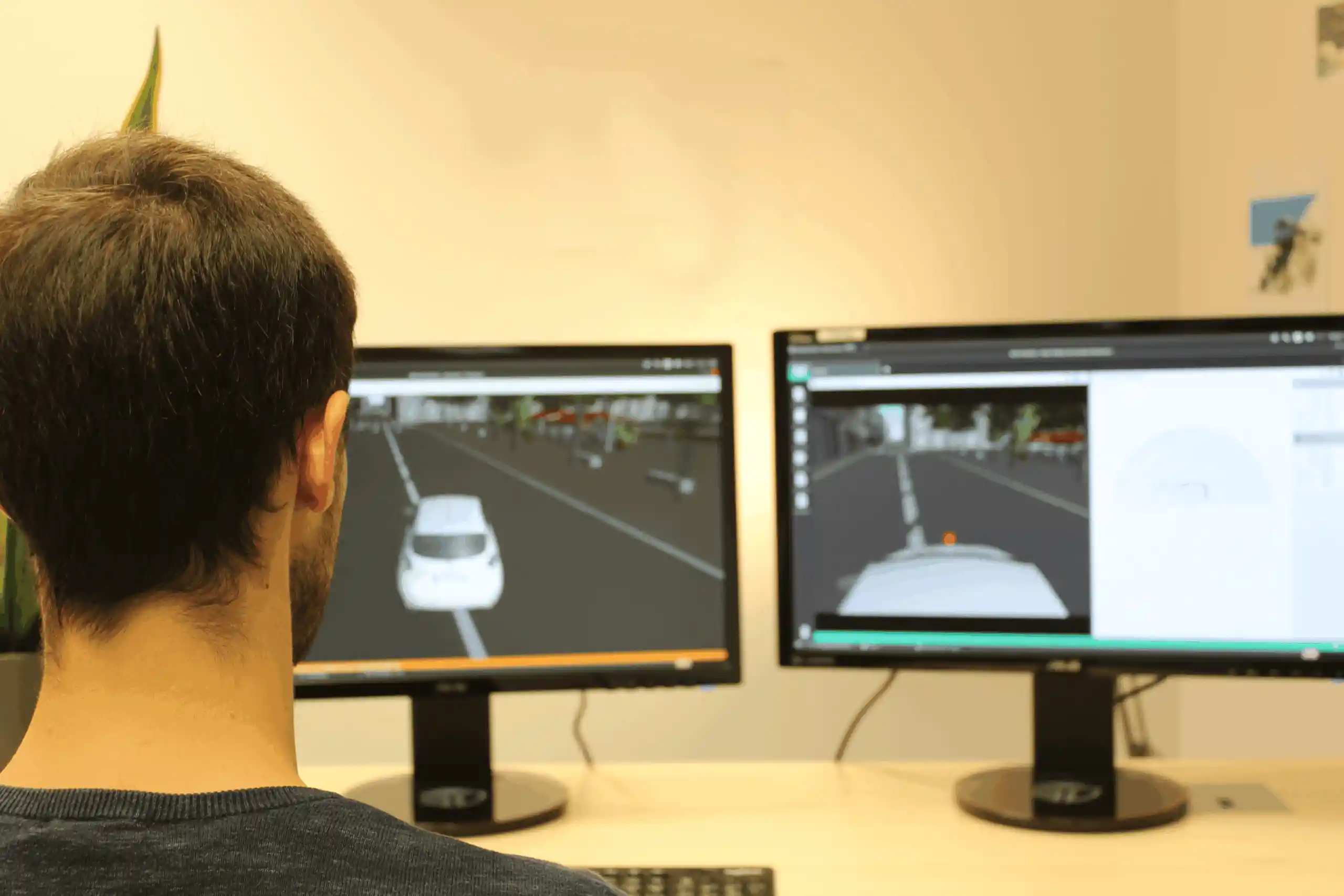
4DV-SIMULATOR is a real-time 3D and hardware-in-the-loop simulation platform used for the development of robotic systems, including vehicles, robots, and drones.
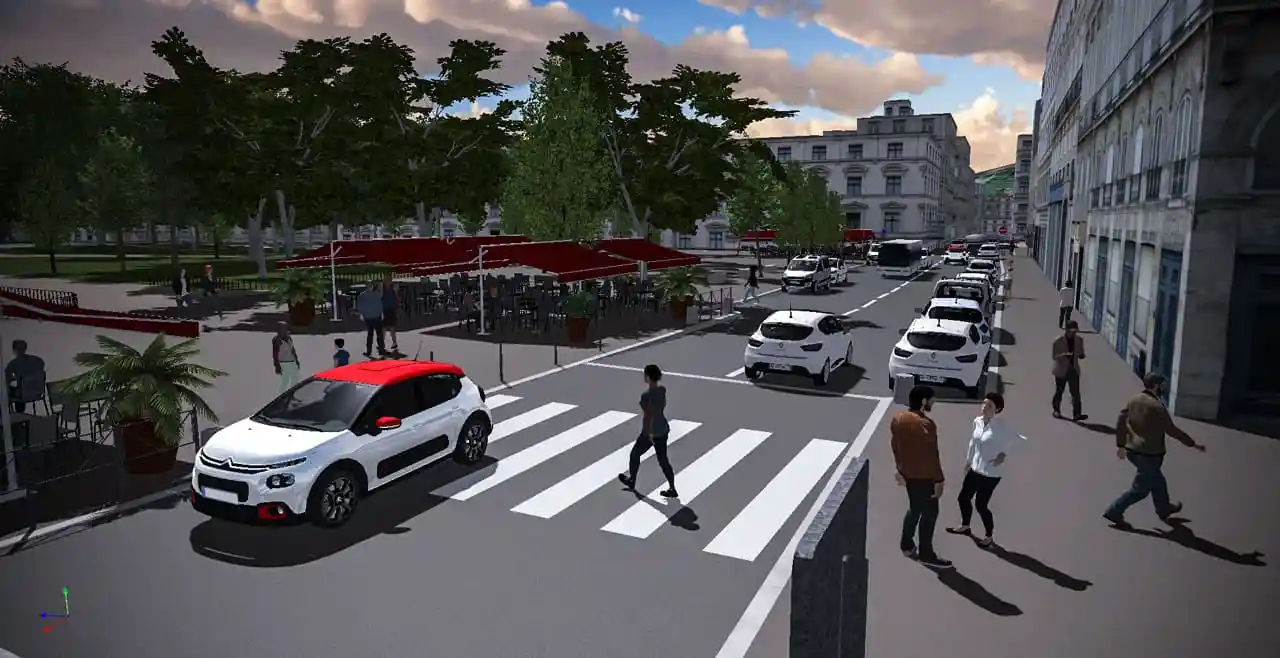
It allows you to simulate your smart systems in a 3D virtual environment that closely mirrors real-world operational scenarios.
Its level of realism and capabilities make it possible to test and validate all types of robotic applications that incorporate perception, control, signal processing, and embedded computing systems, as well as wireless applications.

4DV-EDITOR
Prepare. Set up. Get started.
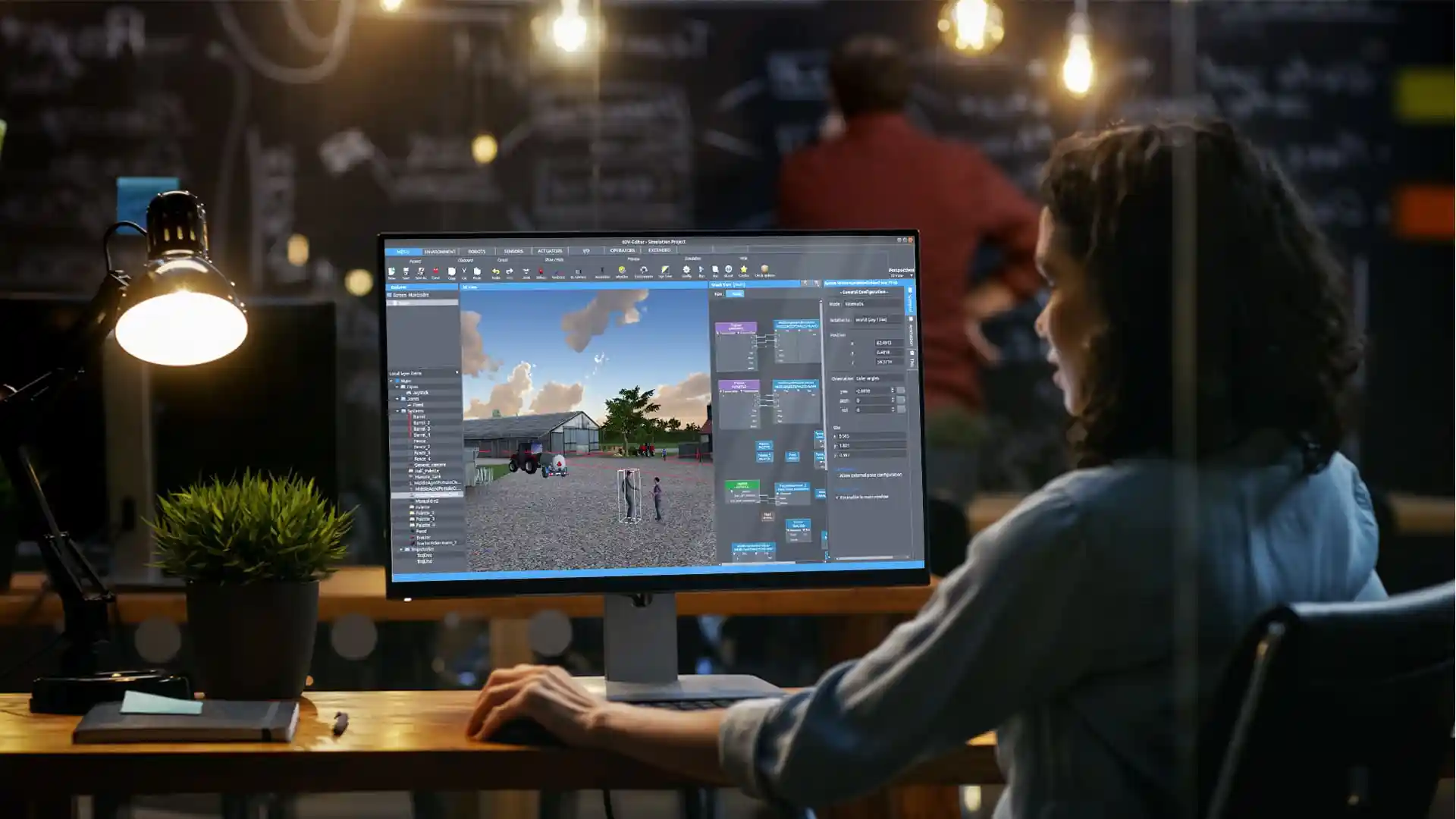
Access simulation environments, controllable systems, kinematic agents and static objects, mathematical functions, and more to create your simulation scenarios.
The sensor library allows you to monitor your systems and environments just as you would in the real world.
In addition, 4DV-EDITOR provides you with a user interface designed to simplify the setup of test scenarios and integration with real or simulated systems.

4DV System Designer
Import. Model. Configure.
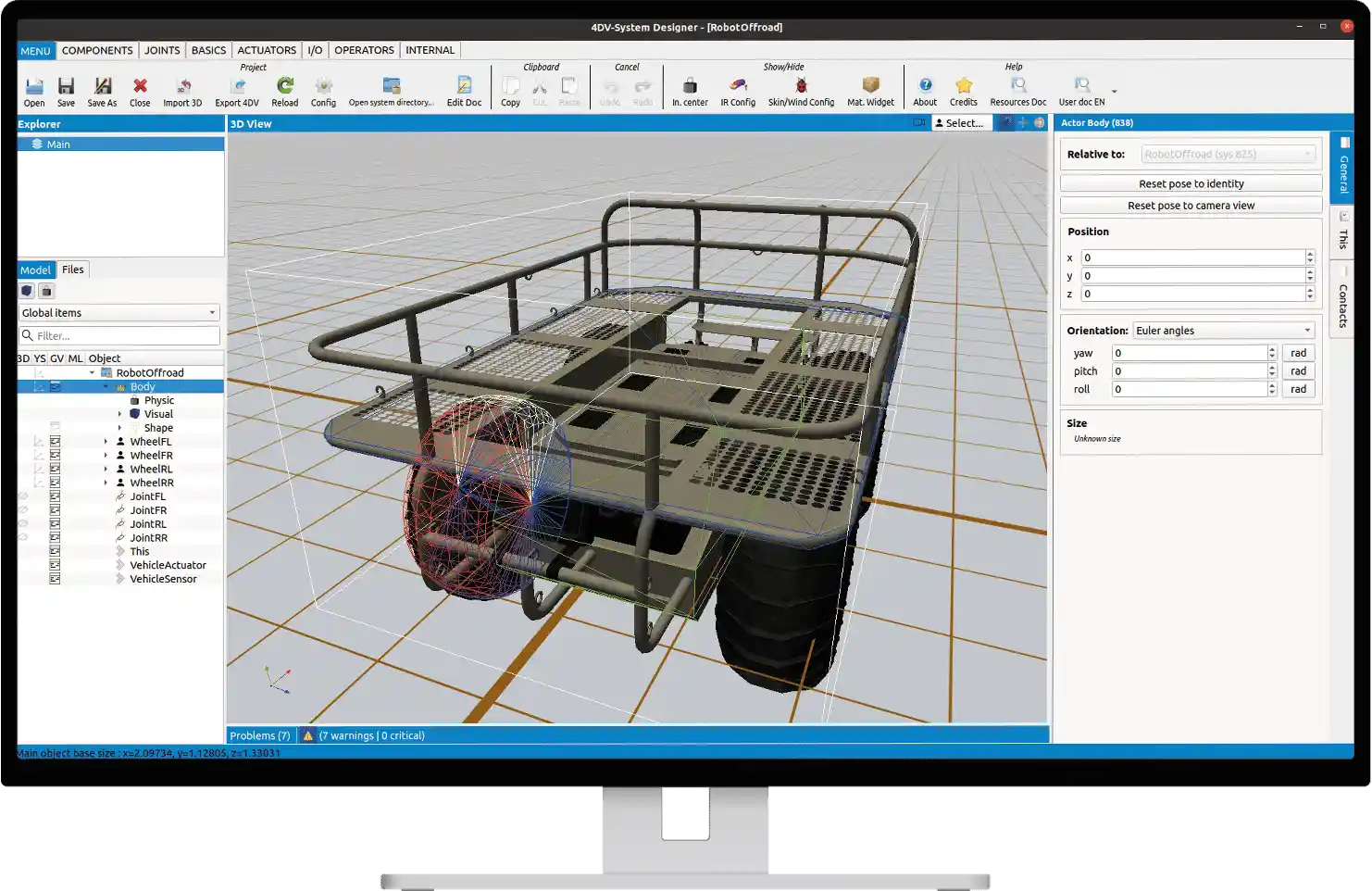
Use the 4DV-SYSTEM DESIGNER software to import your 3D assets and define and configure the controllable systems, sensors, and 3D environments used in your simulation scenarios.
4DV-SYSTEM DESIGNER allows you to create your own models independently, ensuring the confidentiality of your projects.

4DV-BATCH
Diversify. Plan. Execute.
4DV-BATCH enables the automated configuration of scenarios for running a series of simulations.
This makes it possible to quickly rerun simulations by modifying variables manually, incrementally, or randomly.
These changes can be made using the GUI or an API.

4DV-MONITOR
Observe. Decide. Control.
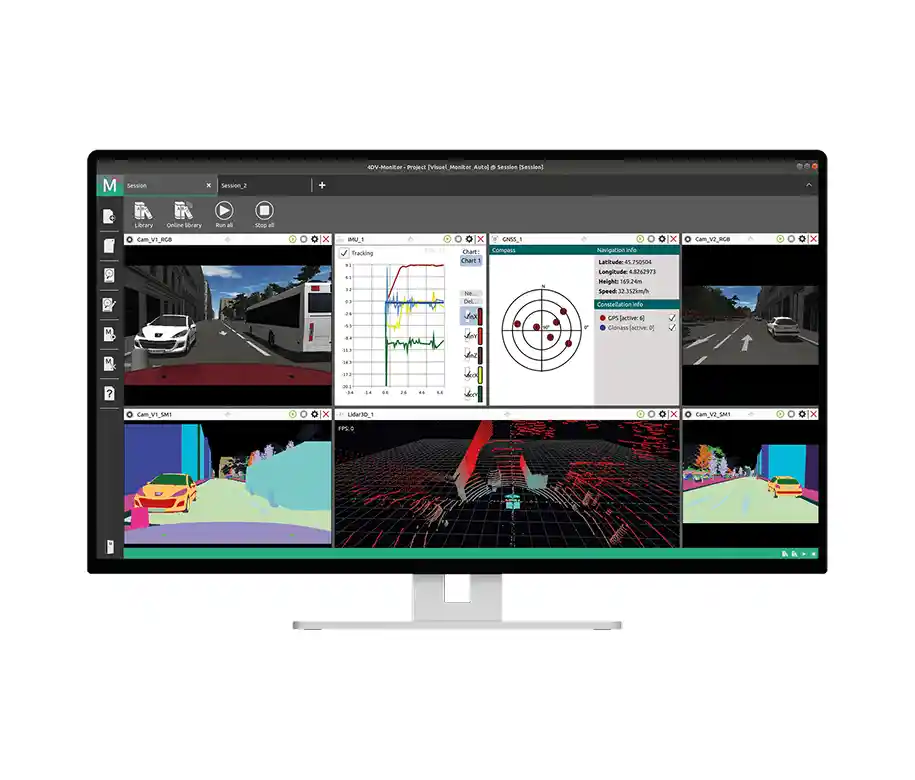
4DV-MONITOR is designed to let you view the data generated during the simulation and interact with the elements of your scenarios in real time.
It allows you to immediately use your simulations in real time by creating projects that enable you to organize and expand your data sources across one or more customizable windows.